


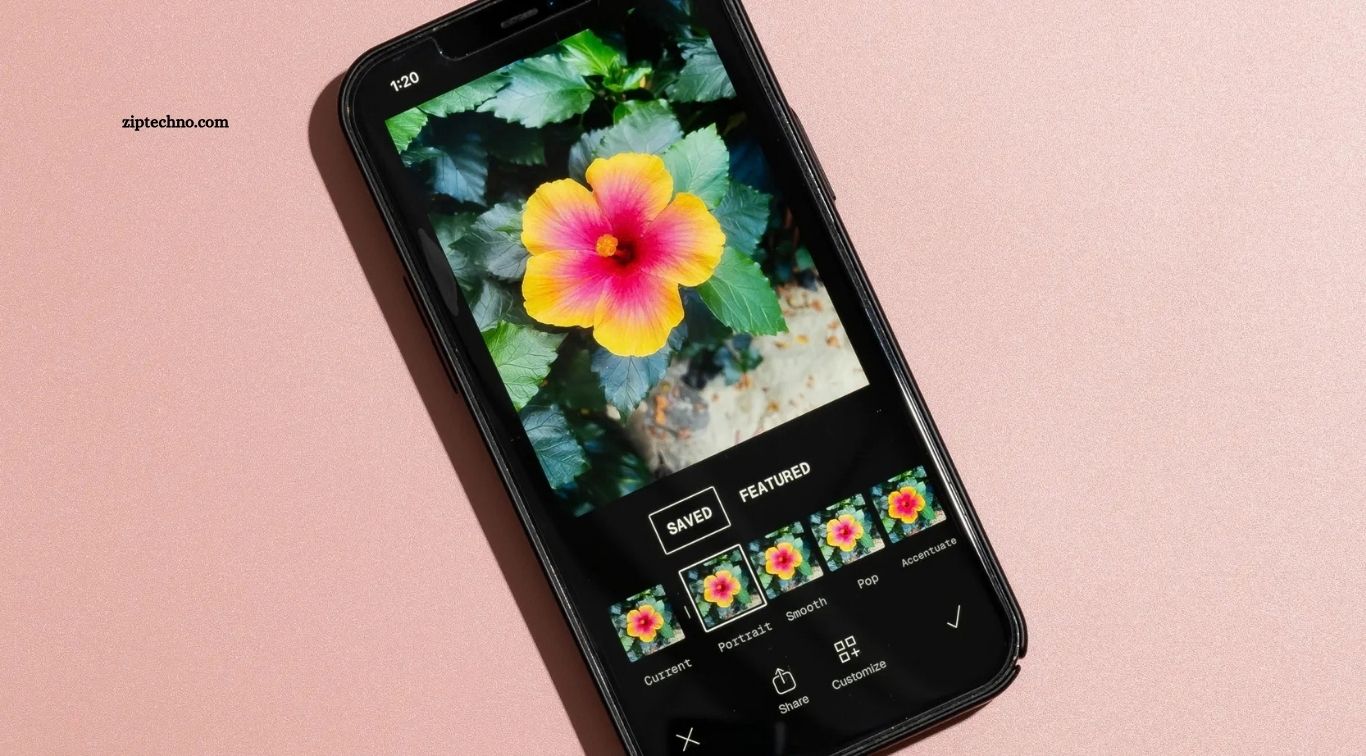
Smartphone cameras have improved rapidly, making Android devices powerful tools for capturing everyday moments, travel scenes, products, portraits, and social media content. However, even a well-captured photo often needs adjustments in brightness, colors, sharpness, background, or composition. The best photo editing apps for Android provide simple tools that can transform an ordinary image into a polished, attractive photograph.
Android users now have access to editors designed for beginners, content creators, photographers, and professionals. Some apps focus on quick filters, while others provide advanced color correction, AI editing, background removal, retouching, and creative effects. Choosing the right photo editor depends on editing experience, required features, image quality, and personal creative style.
Read More: Top AI Apps for Android in 2026
Adobe Lightroom
Adobe Lightroom remains a powerful choice for Android users who want professional photo-editing controls without using desktop software. It provides tools for exposure, contrast, highlights, shadows, colors, cropping, presets, selective adjustments, and detailed image enhancement. Its clean interface also makes advanced editing easier for users learning mobile photography.
Recent Android versions of Lightroom include features such as AI-powered Generative Expand, improved retouching, film-inspired presets, WebP support, enhanced crop controls, and AI-powered image search. Adobe also provides many basic editing features for free, while advanced tools require a premium plan.
Snapseed
Snapseed is a popular Android photo editor suited to users who want powerful editing controls inside a simple mobile application. It offers useful tools for adjusting brightness, contrast, saturation, details, perspective, white balance, cropping, and selective areas within a photograph. Its interface works well for both basic corrections and detailed creative edits.
One major advantage of Snapseed is its combination of manual adjustments and ready-made filters. Users can improve portraits, landscapes, food photographs, social media images, and everyday pictures without learning complicated desktop editing software. It is particularly useful for people who prefer precise control rather than relying entirely on automatic filters.
Picsart
Picsart works well for users who want photo editing combined with creative design features. Along with standard editing options, it provides effects, text tools, stickers, background removal, blur controls, image enhancement, resizing, and AI-based editing. This makes it suitable for Instagram posts, thumbnails, promotional images, profile pictures, and other creative projects.
Its AI tools can help remove backgrounds, enhance images, and generate or modify visual content. Picsart also provides social-media-friendly cropping and resizing options, making it especially convenient for creators producing content for multiple platforms.
Canva
Canva is more than a traditional photo editor because it combines image editing with graphic design. Android users can edit photographs while creating social media posts, posters, presentations, banners, thumbnails, invitations, and marketing visuals within the same application. Its drag-and-drop workflow makes editing accessible for users with limited design experience.
Canva is especially useful when text, graphics, icons, templates, and photographs need to appear in a single design. Users creating Facebook posts, Instagram stories, YouTube thumbnails, business graphics, or promotional content may find Canva more convenient than a photo-only editor because the complete design workflow stays inside one application.
VSCO
VSCO is a strong option for users who prefer stylish, cinematic, or film-inspired photography. The application includes editing controls for exposure, contrast, saturation, white balance, sharpening, clarity, skin tone, grain, fade, HSL adjustments, and other creative effects. Its presets remain one of its main attractions for photographers seeking consistent visual styles.
VSCO currently provides more than 200 presets across its broader editing platform, along with advanced AI tools and creative controls available through paid plans. Android users should note that certain features available on iOS, including RAW support, are currently unavailable on Android.
PhotoDirector
PhotoDirector combines traditional photo editing with modern AI-powered tools. Users can adjust colors, lighting, sharpness, backgrounds, portraits, and image composition while experimenting with creative effects. Its automated tools can make complicated edits easier for beginners who may not understand advanced color grading or manual masking techniques.
The application works particularly well for users interested in creative transformations rather than only basic image correction. Portrait enhancements, object removal, background editing, effects, and AI-assisted tools can help create polished social media images without requiring professional desktop software.
Pixlr
Pixlr offers a straightforward editing experience for Android users who want fast image improvements. Common tools include cropping, resizing, filters, overlays, color adjustments, effects, borders, and text. Its simple interface makes it suitable for people who want attractive results without spending significant time learning advanced photography techniques.
It can also be useful for quick edits before sharing photographs through social media or messaging applications. Users who mainly need brightness correction, filters, text placement, basic retouching, or creative effects may find Pixlr easier than applications built primarily for professional photography workflows.
Polish Photo Editor
Polish Photo Editor focuses on quick, beginner-friendly editing. Users can apply filters, adjust image colors, add text, create effects, change backgrounds, produce collages, and enhance photographs directly from an Android phone. Its interface makes common editing tools accessible without requiring extensive photography knowledge.
The application is particularly useful for social media users who want fast results. Instead of manually adjusting every technical setting, users can choose effects and editing tools designed to produce visually attractive photographs with minimal effort.
Which Photo Editing App Is Best for Beginners?
Beginners should choose an Android photo editor with a clear interface, automatic enhancements, simple filters, and easily understandable adjustment controls. Snapseed, Picsart, Canva, Pixlr, and Polish can all provide approachable editing experiences depending on whether the user prefers photography, social media design, creative effects, or quick corrections.
Learning basic controls such as exposure, contrast, highlights, shadows, saturation, temperature, crop, and sharpness can produce better results than applying strong filters to every picture. Starting with simple adjustments allows new editors to understand how individual settings affect image quality and overall appearance.
Best Photo Editing App for Professional Photography
Adobe Lightroom is particularly suitable for photographers requiring detailed color adjustments, selective editing, image organization, presets, and advanced editing controls. Its mobile workflow brings many professional photography features to Android devices while allowing users to make precise changes without transferring every photograph to a computer.
Professional results still depend heavily on the original photograph. Good lighting, accurate focus, balanced composition, and high-resolution source images give editing applications more information to work with. Editing should enhance a strong photograph rather than attempt to completely repair a poorly captured image.
How to Choose the Right Android Photo Editor
The right application depends on what you actually want to create. Photographers may prioritize detailed color correction and selective adjustments, while social media creators may value templates, background removal, text, filters, and fast resizing. Users producing promotional graphics may benefit more from Canva or Picsart than from a photography-focused editor.
Storage space, device performance, subscription pricing, export quality, advertisements, and premium restrictions should also be considered. Testing free versions before purchasing a subscription can help determine whether an application matches your workflow, device capabilities, and editing expectations.
Frequently Asked Questions
What is the best photo editing app for Android?
Adobe Lightroom, Snapseed, and Picsart are among the best options for Android users.
Is Snapseed free to use?
Yes, Snapseed is free and offers many professional photo editing tools.
Which app is best for professional photo editing?
Adobe Lightroom is a strong choice for advanced and professional photo editing.
Which photo editor is best for beginners?
Canva, Pixlr, and Picsart are easy to use for beginners.
Can Android photo editing apps remove backgrounds?
Yes, many apps like Picsart, Canva, and PhotoDirector include background removal tools.
Can I edit photos without losing quality?
Yes, using high-quality source images and proper export settings can help preserve image quality.
Conclusion
The best photo editing apps for Android make it easy to improve images, adjust colors, remove unwanted elements, add creative effects, and prepare photos for social media. Apps such as Adobe Lightroom, Snapseed, Picsart, Canva, and VSCO offer different tools for beginners, content creators, and experienced photographers. Choosing the right app depends on your editing style, experience, and required features.

1 Comment
Pingback: Android Security Apps to Protect Your Phone - ZipTechno