


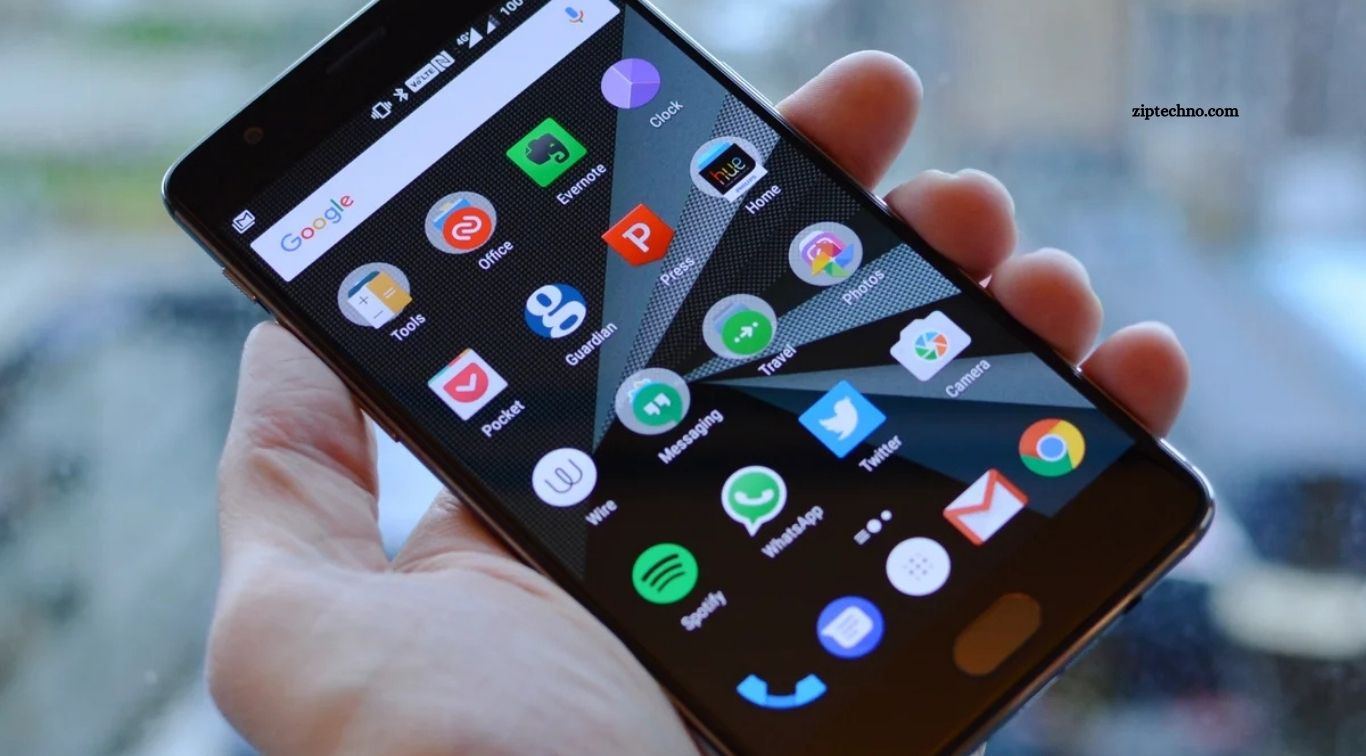
Android apps have become essential tools for communication, productivity, entertainment, learning, shopping, and everyday organization. From managing emails and editing photos to protecting passwords and using artificial intelligence, the right applications can make a smartphone far more useful. However, with millions of apps available, choosing reliable options requires more than looking at download numbers or star ratings.
An in-depth Android app review should consider usability, performance, useful features, privacy, compatibility, and overall value. Some apps excel at solving one specific problem, while others combine several functions in a single platform. This guide reviews popular Android applications across different categories, explains their strengths and limitations, and helps readers decide which tools deserve a place on their phones.
Read More: Honest Review of the Best AI Tools
ChatGPT for AI Assistance
ChatGPT is a versatile AI assistant that can help users write content, brainstorm ideas, explain complicated topics, summarize information, and work through everyday problems. Depending on account access and available features, the Android app can also support voice conversations, image-based questions, file analysis, and other interactive tasks. Its conversational interface makes it approachable for students, professionals, creators, and casual users.
Its main strength is flexibility, but answers are not always accurate. The app may misunderstand instructions, produce outdated information, or present incorrect claims confidently. Users should verify important details rather than treating every response as fact. ChatGPT is particularly useful for drafting, learning, and idea development, provided that users review the results and avoid sharing sensitive information unnecessarily.
WhatsApp for Everyday Communication
WhatsApp remains a popular messaging choice because it combines text messages, voice notes, voice and video calls, group chats, media sharing, and other communication features. Its straightforward interface makes it easy to stay connected with friends, relatives, colleagues, and community groups. Depending on availability, features such as channels, communities, and linked devices can also support broader communication needs.
The app’s convenience comes with considerations around privacy, backups, and unwanted messages. Users should enable available security features, review group privacy settings, and be careful with unfamiliar links or requests for verification codes. WhatsApp is a practical everyday messenger, but its usefulness depends on whether the people you communicate with also use it and whether its features meet your personal or professional requirements.
Google Maps for Navigation
Google Maps is a powerful navigation app that provides directions, location search, traffic information, and details about many businesses and public places. It supports driving, walking, cycling, and public transport directions in supported areas. Reviews, photographs, opening hours, and other place information can help users plan visits before leaving home.
Its biggest advantage is the combination of navigation and location discovery. However, map details and business information can occasionally be outdated, and traffic estimates may change during a journey. Offline maps can help in areas with limited connectivity, although some features require an internet connection. Users should check road conditions and local signs rather than relying exclusively on navigation instructions.
Google Photos for Photo Management
Google Photos helps users organize, search, view, and back up photographs and videos. Its search features can make finding particular memories easier, while editing tools support common adjustments and creative improvements. Depending on the account and available features, users may also access AI-assisted editing and other smart organization tools.
The main benefit is convenience across supported devices, but cloud backup settings and storage limits deserve attention. Users should understand which files are being backed up, how their account storage is allocated, and whether the service fits their privacy preferences. Google Photos is a strong option for managing a large photo collection, especially for people already using Google’s ecosystem.
Spotify for Music and Podcasts
Spotify provides access to music, podcasts, and personalized listening recommendations. Users can create playlists, explore artists, discover new releases, and organize audio for different moods or activities. Its recommendation system can make it easier to find content that matches individual preferences, while supported offline listening features may benefit eligible subscribers.
The main limitation is that listening options and interruptions differ between free and paid plans, and availability varies by market. Users who mainly want background music may find the free experience sufficient, while frequent listeners may appreciate additional subscription features. Spotify is most useful for people who value discovery and playlist organization, although those with specific music libraries or service preferences may prefer alternatives.
Canva for Graphic Design
Canva makes graphic design more accessible by providing templates and editing tools for social media posts, presentations, posters, invitations, and other visual content. Its mobile interface allows users to create and revise designs without needing advanced desktop software. AI-assisted features may also be available for generating or editing content, depending on the account and plan.
The app is particularly valuable for students, small businesses, and content creators who need attractive visuals quickly. However, templates can produce designs that look generic if they are not customized, and some elements or features require payment. Users should review typography, image quality, brand consistency, and licensing conditions before publishing or selling their designs.
Microsoft 365 for Documents and Office Work
Microsoft 365 apps support document creation, spreadsheet editing, presentations, and other productivity tasks on Android. They are useful for students, professionals, and businesses that regularly exchange Microsoft Office files. Integration with cloud storage and collaboration tools can also help users continue working across phones, tablets, and computers.
Mobile editing is convenient for reviewing documents or making quick changes, but complicated formatting and detailed spreadsheet work may be easier on a larger screen. Certain premium features require an eligible subscription, and functionality varies by app and device. Microsoft 365 is a sensible option for people who already depend on Word, Excel, PowerPoint, or related services.
Bitwarden for Password Management
Bitwarden helps users store and organize passwords in an encrypted vault. Supported features can include autofill, password generation, synchronization across devices, and secure storage for other sensitive information. Using a password manager makes it easier to create unique passwords rather than repeatedly relying on the same credentials across multiple websites.
The main responsibility falls on the user to protect access to the vault. A strong master password, appropriate account recovery arrangements, and available multifactor authentication can help improve security. Users should also keep recovery information safe and install the genuine app from a trusted source. Bitwarden is particularly useful for anyone who wants a more organized approach to account security.
Firefox for Mobile Browsing
Firefox offers Android users a web browser with customizable settings, privacy-related controls, and support for selected extensions. Depending on the version and configuration, users can adjust tracking protection, organize tabs, synchronize browsing information, and personalize their browsing experience. These options make it attractive to people who want more control over how they use the web.
However, extension compatibility and website behavior can vary, and some sites may perform differently across browsers. Users should review privacy settings according to their needs rather than assuming any browser provides complete anonymity. Firefox is worth considering for people who value customization and additional browsing controls, especially if they already use Firefox on a computer.
VLC for Media Playback
VLC is a well-known media player that supports a wide range of audio and video formats. It can play locally stored media and offers playback controls, subtitle support, and other features useful for people with varied media collections. Its broad format compatibility can reduce the need to install separate players for different files.
VLC is especially useful for users who prefer direct control over locally stored content instead of relying entirely on streaming services. Its interface may take some getting used to, and not every streaming source or file will work perfectly. Downloading the app from a trusted source and keeping it updated helps users benefit from ongoing maintenance and compatibility improvements.
Google Keep for Notes and Reminders
Google Keep provides a simple way to capture ideas, create checklists, save short notes, and set reminders. Color labels and organizational features help users separate shopping lists, work tasks, personal reminders, and study notes. Synchronization makes notes available across supported devices when the same account is used.
The app’s simplicity is also its main limitation. People who need advanced project management, complex document formatting, or extensive knowledge databases may find it too basic. For everyday notes and quick reminders, however, Google Keep offers an approachable solution without the learning curve of more complicated productivity systems.
Telegram for Messaging and Communities
Telegram supports messaging, group conversations, channels, media sharing, and community-based communication. Large groups and broadcast channels make it useful for following news, hobbies, educational resources, and public discussions. Its multi-device approach also helps users access conversations from supported platforms.
Privacy requires particular attention because not every Telegram conversation uses the same encryption model. Users should understand the difference between standard cloud chats and Secret Chats, where available, and review account security settings. Public groups and channels can also contain misleading information or suspicious links. Telegram is useful for communities and content discovery, but users should select communication settings carefully.
Google Drive for Cloud Storage
Google Drive allows users to store, organize, and share files online. It is useful for keeping documents accessible across devices, collaborating on shared materials, and creating a central location for work or personal files. Integration with Google Docs, Sheets, and Slides can simplify everyday document management.
The free storage allowance is shared across certain Google services, so users with many photos, emails, or files may eventually need to manage their space or purchase more. Sharing permissions should also be checked before distributing confidential documents. Google Drive is a convenient choice for people who need cloud access and collaboration, especially within the Google ecosystem.
Snapseed for Photo Editing
Snapseed provides a collection of photo-editing tools for improving images on Android. Users can adjust exposure, contrast, color, sharpness, and other aspects of a photograph, with additional tools for selective edits and creative effects. Its range of controls makes it useful for casual photographers who want more than basic automatic enhancements.
The learning curve can be slightly steeper than that of simple one-tap editing apps because some tools offer detailed adjustments. Results also depend on the quality of the original image and the user’s editing choices. Snapseed is a good option for people who want more control over their photographs without immediately moving to complicated desktop editing software.
Google Calendar for Time Management
Google Calendar helps users schedule appointments, plan events, organize reminders, and coordinate activities. Calendar views make it easier to understand upcoming commitments, while supported integrations can connect events with other productivity services. It is useful for students tracking classes, professionals managing meetings, and families coordinating shared schedules.
Its effectiveness depends on maintaining accurate information and avoiding overcomplicated scheduling. Notifications can become distracting if too many reminders are enabled, while missed updates can confuse. Google Calendar works best when users establish a consistent habit of recording important commitments and reviewing upcoming events regularly.
How to Choose the Right Android Apps
Choosing the right apps starts with identifying what you actually need. A person who mainly uses a smartphone for communication may prioritize messaging, video calls, and file sharing, while a student may need note-taking, document editing, learning, and scheduling tools. Installing applications to solve specific problems is usually more useful than downloading every trending app.
Before installation, review the developer, recent user feedback, requested permissions, privacy policy, update history, and compatibility information. Download apps from Google Play or another reputable source, and be cautious with applications that request access unrelated to their main purpose. Ratings can help with initial screening, but recent reviews and your own experience provide a clearer picture of long-term value.
Frequently Asked Questions
Which Android apps are most useful for everyday life?
Messaging, navigation, cloud storage, password management, note-taking, and calendar apps are useful starting points. The best selection depends on your routine and personal preferences.
Are popular Android apps free?
Many offer free versions, but some features require subscriptions, in-app purchases, or paid upgrades. Review the pricing details before committing to a service.
How can I check whether an Android app is safe?
Review the developer, permissions, privacy policy, recent reviews, and update history. Download from trusted sources and avoid apps that request unnecessary access.
Which Android apps help improve productivity?
Google Keep, Google Calendar, Google Drive, Microsoft 365, and ChatGPT can support note-taking, scheduling, document work, and planning.
Do Android apps slow down a smartphone?
Some apps consume substantial memory, battery power, or background data. Removing unused apps and reviewing background activity can help improve performance on some devices.
How often should I update my Android apps?
Install updates regularly, especially security updates. You can enable automatic updates through Google Play or review available updates manually.
Conclusion
Popular Android apps can make everyday life easier by improving communication, navigation, productivity, entertainment, creativity, and digital security. ChatGPT, WhatsApp, Google Maps, Google Photos, Spotify, Canva, Microsoft 365, Bitwarden, Firefox, VLC, and other reviewed applications each offer useful features for different needs. However, every app has limitations, and popularity alone does not guarantee quality or suitability. The best approach is to build a collection of apps that genuinely supports your routine.
