


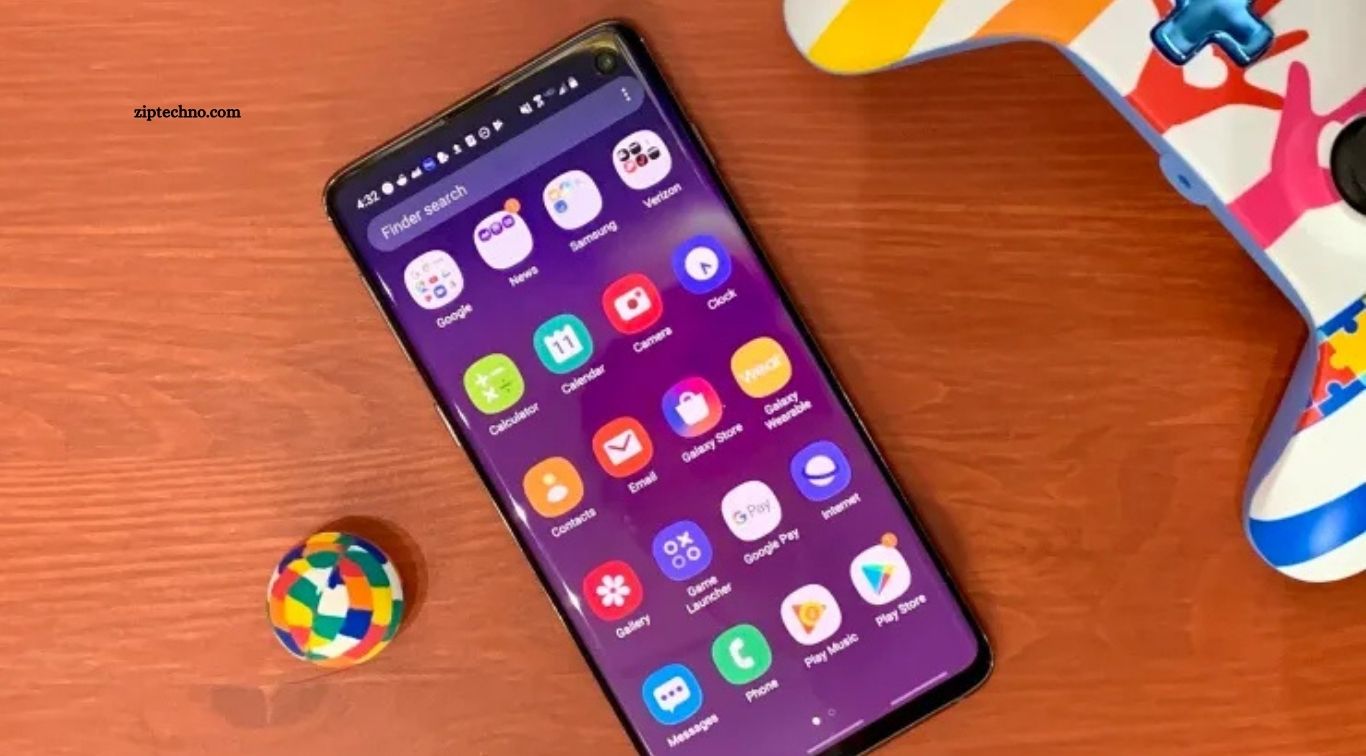
Android smartphones have become essential tools for communication, entertainment, productivity, learning, travel, shopping, and everyday organization. However, a powerful phone becomes far more useful when equipped with reliable applications. Choosing quality Android apps can improve productivity, protect personal information, simplify daily tasks, and provide better entertainment without unnecessarily consuming storage or battery power.
Thousands of applications are available across different categories, which can make finding genuinely useful options difficult. Instead of installing dozens of apps you may rarely open, focusing on trusted applications that provide practical value makes more sense. Below are some of the best Android apps you should install today to create a more convenient, productive, secure, and enjoyable smartphone experience.
Read More: The Future of Online Earning Opportunities
Google Maps for Navigation and Travel
Google Maps remains one of the most useful Android applications for everyday navigation. It helps users find destinations, explore nearby locations, check traffic conditions, and select suitable routes for driving, walking, cycling, or public transportation. Location details such as business hours, photographs, reviews, and contact information also make planning trips much easier.
Offline maps can be particularly valuable when traveling through areas with limited internet connectivity. Users can download selected regions beforehand and continue accessing essential navigation information. Whether you are traveling to another city, searching for a restaurant, or finding a nearby business, Google Maps provides practical information within a single application.
WhatsApp for Easy Communication
WhatsApp provides a simple platform for staying connected with friends, relatives, colleagues, and customers. Users can exchange messages, photographs, documents, voice notes, and videos while also making voice or video calls through an internet connection. Group chats and communities make communication with larger groups easier.
Its straightforward interface makes WhatsApp accessible to people with different levels of technical experience. Features such as end-to-end encryption for personal messages and calls, disappearing messages, and two-step verification also provide useful privacy and account-protection options. For regular personal or professional communication, WhatsApp can become an important part of an Android device.
Google Drive for Cloud Storage
Google Drive helps users store documents, photographs, spreadsheets, presentations, and other important files online. Cloud storage reduces dependence on physical storage while making files accessible across smartphones, tablets, and computers. Users can also share individual documents or folders with other people when collaboration is required.
Integration with Google Docs, Sheets, and Slides makes Drive especially useful for students, freelancers, businesses, and remote workers. Automatic synchronization means updated files can remain available across supported devices. Keeping important documents in organized folders also provides a convenient backup option if a phone becomes unavailable.
Spotify for Music and Podcasts
Spotify is a popular choice for users who enjoy listening to music, podcasts, and other audio content. Its extensive library covers different artists, genres, playlists, and podcast categories. Personalized recommendations can help listeners discover new music based on their listening habits.
Users can create playlists for studying, exercising, traveling, relaxing, or working. Free access is available with certain limitations, while paid plans provide additional features such as offline listening and an ad-free music experience. Its combination of discovery tools and a large content library makes Spotify a useful entertainment application.
Microsoft OneNote for Notes and Organization
Microsoft OneNote can turn an Android phone into a convenient digital notebook. Users can create notes, organize information into notebooks, build checklists, and save useful ideas whenever inspiration appears. Synchronization makes notes accessible from other supported devices linked to the same account.
Students can use OneNote for study material, while professionals can organize meeting notes, project ideas, and work-related information. Personal users can create shopping lists, travel plans, reminders, or daily notes. Having information stored digitally also makes searching through previous notes much faster than managing traditional paper notebooks.
Canva for Quick Graphic Design
Canva provides accessible graphic-design tools directly from an Android smartphone. Users can create social media graphics, posters, invitations, presentations, thumbnails, advertisements, and other visual materials using customizable templates. Its drag-and-drop approach allows beginners to create attractive designs without advanced graphic-design experience.
Content creators and small businesses can particularly benefit from Canva because designs can be produced quickly without relying on desktop software for every task. Users can modify fonts, images, layouts, backgrounds, and other design elements. Free features cover many everyday requirements, while optional premium tools provide additional resources.
Bitwarden for Password Management
Remembering a different strong password for every online account can become difficult. Bitwarden provides a password-management system that allows users to securely organize login credentials inside an encrypted vault. A password manager also makes it easier to avoid repeatedly using the same password across multiple websites.
Its password generator can create long and unique passwords for new accounts, while autofill functionality can simplify the login process on supported applications and websites. Users should still protect their password manager with a strong master password and enable additional account-security features where available.
Adobe Acrobat Reader for PDF Files
PDF documents are commonly used for invoices, forms, educational material, manuals, reports, and official documents. Adobe Acrobat Reader provides a practical way to open and review PDF files directly from an Android device. Users can search documents, add comments, highlight information, and perform other supported document tasks.
The application can be particularly useful for students and professionals who regularly receive PDF documents through email, messaging applications, or cloud storage. Instead of moving every document to a computer, users can quickly review important files from their smartphone, making document management more convenient while traveling or working remotely.
Google Photos for Managing Memories
Google Photos offers convenient tools for organizing photographs and videos stored on Android devices. Search features can make finding older images easier, while automatic organization reduces the need to manually arrange every photograph into folders. Editing tools are also available for making quick improvements.
Backup functionality can help protect important memories if properly configured, although available cloud storage depends on the user’s Google account and storage plan. Users should regularly review backup settings, storage usage, and privacy preferences to ensure photographs are being handled according to their needs.
VLC for Video and Audio Playback
VLC is a versatile media player capable of handling numerous video and audio formats. This can be particularly helpful when Android’s default media application cannot properly play a downloaded or transferred file. Its straightforward interface makes opening locally stored media relatively simple.
The application also provides useful playback controls, subtitle support, audio management, and network-streaming capabilities. Travelers who keep movies, lectures, or other media stored locally can benefit from having a flexible media player available without needing separate applications for multiple file formats.
How to Choose the Right Android Apps
Installing every popular application is unnecessary. Each additional app may consume storage space, request permissions, use mobile data, or operate in the background. Before downloading something, consider whether it solves a genuine problem or provides enough value to justify keeping it installed.
Users should also examine the developer, update history, permissions, privacy information, ratings, and recent reviews before installing unfamiliar applications. Downloading apps from trusted sources such as Google Play can reduce unnecessary risks. Removing unused applications periodically can also improve organization and free valuable device storage.
Keep Android Apps Updated
Regular updates can deliver security improvements, bug fixes, performance enhancements, and new features. Keeping frequently used applications updated helps ensure they continue functioning correctly with newer Android versions. Updates become particularly important for browsers, communication tools, password managers, financial applications, and other software handling sensitive information.
Automatic updates can simplify maintenance, although users with limited mobile data may prefer updates over Wi-Fi. It is also helpful to review applications periodically and uninstall anything no longer required. A smaller collection of useful, trusted, and maintained applications often provides a better experience than an overcrowded phone.
Frequently Asked Questions
What are the best Android apps to install today?
Google Maps, WhatsApp, Google Drive, Spotify, Bitwarden, Canva, and VLC are useful choices.
Are the best Android apps free to use?
Many Android apps offer free versions, while some provide optional premium features or subscriptions.
Where should I download Android apps safely?
Google Play Store is generally the recommended source for downloading trusted Android applications.
Which Android apps are best for productivity?
Google Drive, Microsoft OneNote, Google Calendar, and similar tools can help improve productivity and organization.
Which Android app is useful for password security?
Bitwarden is a password manager designed to securely store and manage login credentials.
Should I update my Android apps regularly?
Yes. Regular updates can provide security patches, bug fixes, performance improvements, and new features.
Conclusion
Choosing the best Android apps can make your smartphone more productive, secure, organized, and enjoyable. Applications such as Google Maps, WhatsApp, Google Drive, Spotify, Canva, Bitwarden, and VLC provide useful features for communication, navigation, entertainment, security, creativity, and everyday tasks. Instead of filling your phone with unnecessary applications, focus on trusted apps that match your daily needs.

1 Comment
Pingback: Top Free Android Apps for Everyday Use - ZipTechno