


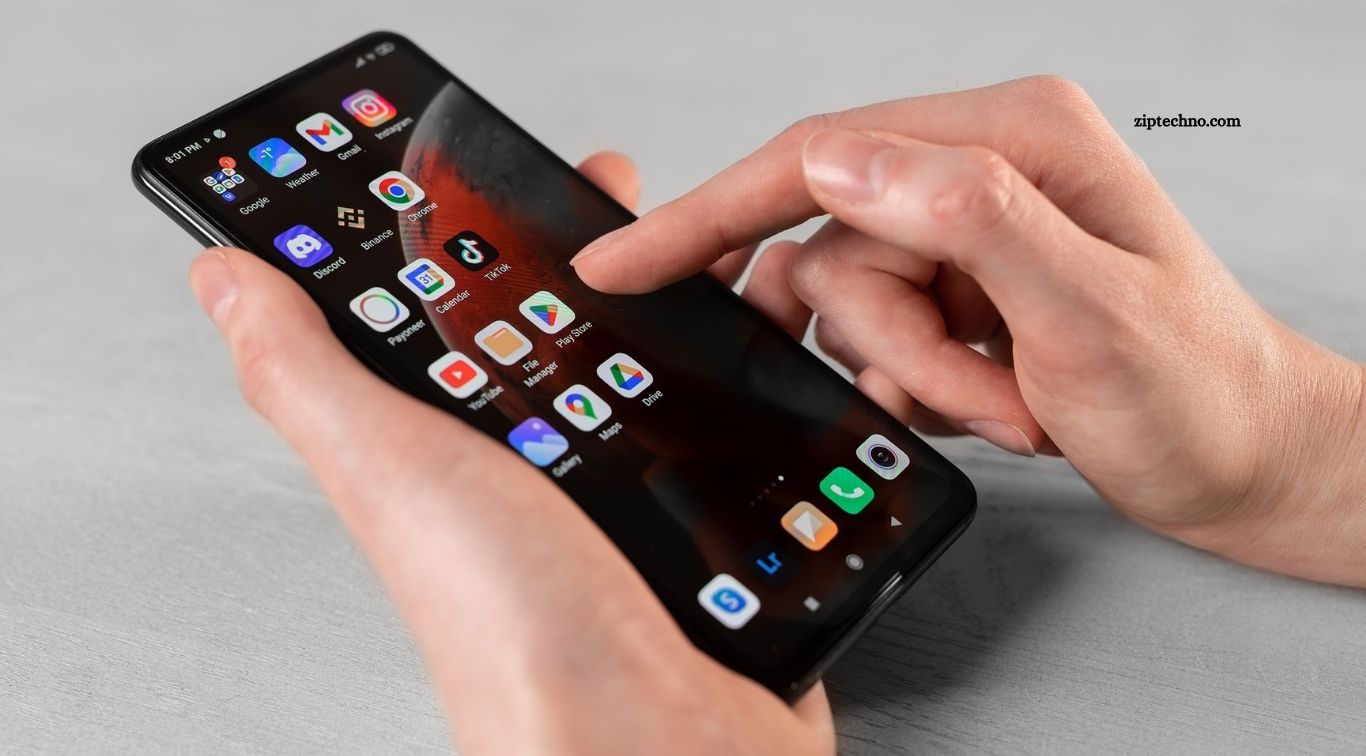
Android smartphones have become essential tools for communication, productivity, entertainment, navigation, learning, and everyday organization. Choosing useful applications can transform a basic smartphone into a powerful personal assistant. Many high-quality Android apps offer free versions that provide enough features for regular users without requiring an immediate paid subscription.
Finding the top free Android apps for everyday use can still feel challenging because the Google Play Store contains millions of choices. Some applications focus on productivity, while others improve communication, navigation, security, file management, or entertainment. This guide covers popular free Android apps that can make common daily activities simpler, faster, and more organized.
Read More: Best Android Apps You Should Install Today
WhatsApp for Everyday Communication
WhatsApp is one of the most widely used communication apps available for Android. Users can send messages, photos, documents, voice notes, and videos while also making voice and video calls. Group chats and communities make communication easier among families, friends, workplaces, and other groups.
The application works through an internet connection, making it useful for both local and international communication. Features such as end-to-end encryption for personal messages and calls, disappearing messages, live location sharing, and linked devices provide additional convenience. Most core WhatsApp features remain available without a subscription.
Google Maps for Navigation
Google Maps helps Android users find destinations, explore nearby locations, and navigate unfamiliar areas. Turn-by-turn directions are available for driving, walking, cycling, and public transportation in supported locations. Users can also search for restaurants, fuel stations, hospitals, shops, hotels, and other places.
Offline map downloads can be particularly useful when traveling through locations with unreliable internet access. Traffic information, estimated arrival times, business information, user reviews, and location sharing further improve everyday usefulness. Google Maps comes preinstalled on many Android devices and provides its main navigation features for free.
Google Keep for Notes and Reminders
Google Keep provides a straightforward way to organize notes, ideas, shopping lists, and reminders. Users can create text notes, checklists, drawings, and voice notes while using labels and colors to organize different categories of information.
Synchronization through a Google account allows notes to remain accessible across compatible phones, tablets, and computers. Collaborative notes are another useful feature for families, colleagues, and students working with shared information. Its simple interface makes Google Keep suitable for users who want practical note-taking without complicated controls.
Microsoft 365 Copilot for Productivity
Microsoft offers its Microsoft 365 Copilot mobile app for Android, combining access to productivity tools and AI-powered features. Depending on account type and available features, users can work with documents, scan files, handle PDFs, and access Microsoft productivity services from their phones.
The app can be useful for students, professionals, and people who frequently handle documents while away from a computer. Certain advanced features require subscriptions or eligible accounts, but free functionality can still support common productivity tasks. Users should check current feature availability because Microsoft regularly updates its mobile applications and AI services.
Google Drive for Cloud Storage
Google Drive makes storing and accessing digital files easier. Users can upload documents, photographs, videos, spreadsheets, PDFs, and other supported files, then access them from compatible devices connected to their Google account.
Google accounts include a limited amount of free cloud storage shared across supported Google services. Drive also makes file sharing and collaboration convenient, especially when working with Google Docs, Sheets, or Slides. Additional storage requires a paid plan once the free allocation has been reached.
Bitwarden for Password Management
Bitwarden is a useful option for people managing numerous online accounts. Instead of remembering separate passwords for every website and application, users can securely store credentials inside an encrypted password vault.
Its free personal plan includes core password-management features that work well for many everyday users. A password manager can also encourage the use of unique passwords rather than repeating one password across multiple services. Users should protect their vault with a strong master password and enable additional security features where appropriate.
Spotify for Music and Podcasts
Spotify provides access to music, podcasts, playlists, and personalized recommendations. Android users can search for artists, discover new songs, follow podcasts, and create playlists based on their preferences.
Spotify offers a free, ad-supported service, although available playback controls and other restrictions can vary by market and device. Premium plans add features such as ad-free listening and additional playback options. For users who simply want everyday music and podcast streaming without initially paying, the free tier remains useful.
VLC for Playing Videos and Music
VLC for Android is a versatile media player capable of handling many common audio and video formats. It can play locally stored movies, recordings, music, and other media without requiring users to convert every file into a specific format first.
The application is especially helpful for people who keep media files directly on their smartphones or tablets. VLC is open-source and does not depend on a traditional premium subscription for its main playback functionality. Its broad format support makes it a practical addition to Android devices used heavily for offline media.
Canva for Quick Graphic Design
Canva allows Android users to create social media posts, presentations, posters, invitations, thumbnails, resumes, and other visual content. Ready-made templates help beginners produce polished designs without learning professional desktop design software.
Canva provides a free plan containing many templates, editing features, design elements, and tools, while certain premium assets and advanced capabilities require Canva Pro or another paid plan. The mobile application can be particularly useful for students, small businesses, creators, and social media users needing quick designs.
Adobe Acrobat Reader for PDF Files
Adobe provides Acrobat Reader for viewing and working with PDF documents on Android devices. Users frequently encounter PDF files through emails, school materials, invoices, application forms, reports, and downloadable documents, making a reliable PDF reader valuable.
Basic viewing and selected document features are available for free, while advanced editing, conversion, and other premium capabilities may require payment. For routine PDF reading and document handling, the free application provides practical functionality without requiring specialized desktop software.
Shazam for Identifying Songs
Shazam helps users identify music playing nearby. When you hear an unfamiliar song in a shop, video, restaurant, or other location, Shazam can listen briefly and attempt to identify the track and artist.
This simple feature can be surprisingly useful in everyday situations. Users can keep track of identified songs and connect discoveries with supported music services. The app focuses on doing one primary job efficiently, making it a useful addition for people who regularly discover music outside their existing playlists.
How to Choose the Best Free Android Apps
A free app should provide genuine everyday value rather than simply occupying storage space. Before installing an application, consider whether it solves a regular problem, comes from a trustworthy developer, receives updates, and requests permissions appropriate for its functionality. User reviews can provide additional information, although reviews should not be treated as the only measure of reliability.
Users should also understand the difference between completely free applications and freemium services. Many Android apps offer useful basic features without payment while reserving advanced capabilities for subscriptions. Checking pricing information, privacy details, permissions, and in-app purchases before installation helps avoid unexpected limitations.
Android App Safety Tips
Download applications from trusted sources such as the Google Play Store whenever possible. Google Play Protect can scan applications for potentially harmful behavior, but users should still examine developer information, download counts, reviews, permissions, and recent update history before installing unfamiliar software.
Avoid applications requesting unnecessary access to contacts, messages, microphones, cameras, or precise location without a clear functional reason. Keep Android and installed applications updated because software updates often include security improvements. Removing unused apps can also reduce unnecessary permissions, background activity, and storage consumption.
Frequently Asked Questions
What are the best free Android apps for everyday use?
WhatsApp, Google Maps, Google Keep, Google Drive, VLC, Canva, and Bitwarden are useful everyday options.
Are free Android apps safe to use?
Most trusted apps are safe when downloaded from reliable sources and used with appropriate permissions.
Can I use free Android apps without subscriptions?
Yes, many apps provide useful basic features without requiring a paid subscription.
Where should I download Android apps?
Google Play Store is the primary official marketplace for downloading Android applications.
Do free Android apps contain advertisements?
Some free apps display advertisements or offer optional in-app purchases and premium upgrades.
How can I choose a good Android app?
Check its developer, permissions, recent updates, features, privacy information, and user reviews before installing.
Conclusion
The top free Android apps for everyday use can improve communication, navigation, productivity, entertainment, file management, design, and security without requiring significant spending. Apps such as WhatsApp, Google Maps, Google Keep, Google Drive, Bitwarden, Spotify, VLC, Canva, Adobe Acrobat Reader, and Shazam address different everyday smartphone needs. The best combination ultimately depends on individual habits. Rather than installing dozens of applications, choose reliable apps that solve problems you encounter regularly.

1 Comment
Pingback: Hidden Android Apps That Deserve More Attention - ZipTechno