


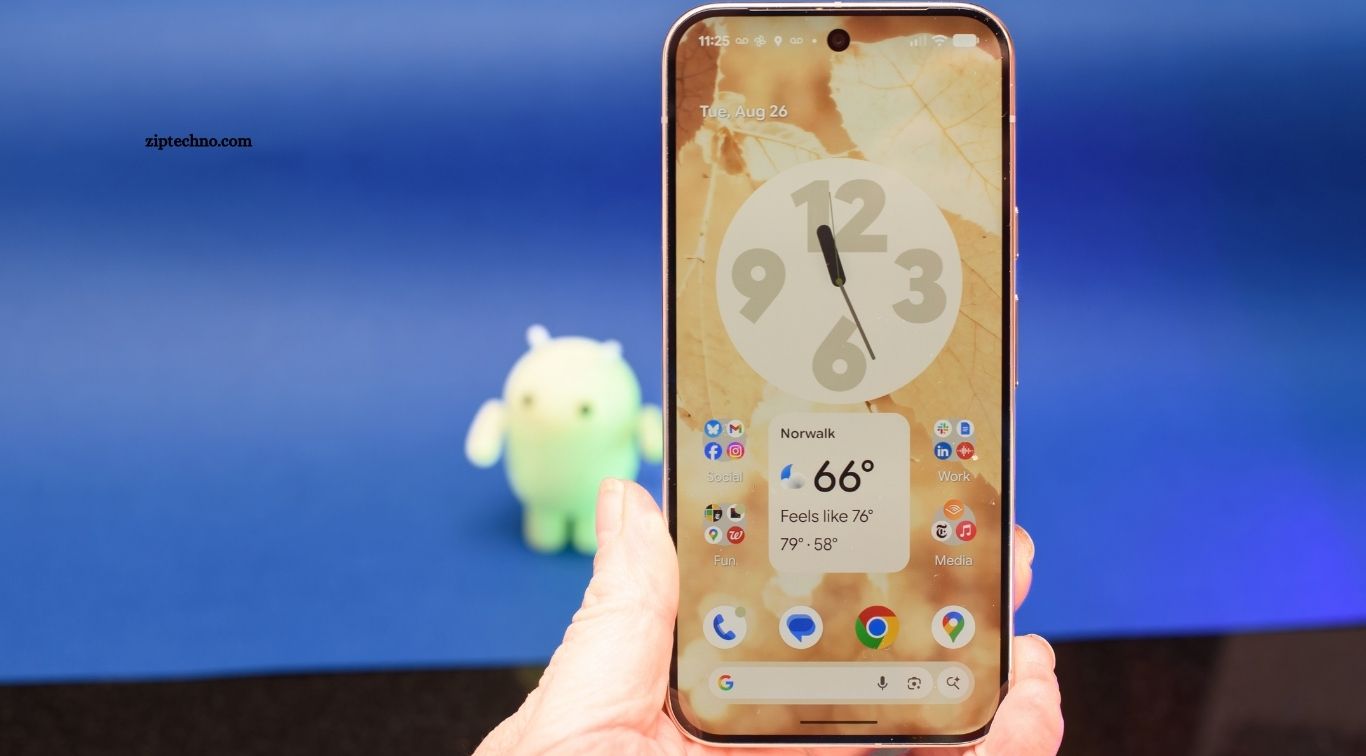
Android smartphones offer far more than communication, entertainment, and social media. With the right utility apps, your phone can become a powerful tool for managing files, monitoring performance, organizing tasks, scanning documents, checking storage, and completing everyday activities more efficiently.
Choosing useful Android utility apps can save time and simplify routine tasks. Whether you need better file management, quick calculations, secure notes, device monitoring, or convenient productivity tools, the Android ecosystem provides many practical options for different needs.
Read More: Best Video Editing Apps for Android
File Manager Apps for Better Organization
A reliable file manager is one of the most useful utility tools for Android users. It helps organize documents, images, videos, downloads, and other files while making it easier to locate, move, rename, copy, or delete content stored on your device.
Advanced file management apps can also provide storage insights, folder management, archive support, and access to cloud storage services. A well-designed file manager keeps your smartphone organized and reduces the frustration of searching through scattered files.
Storage Cleaner Apps for Freeing Space
Storage can quickly become limited because of large videos, duplicate images, temporary files, downloads, and unused applications. Storage cleaner utilities help identify unnecessary content so users can decide what should be removed.
Good cleaning tools should provide clear information before deleting anything important. Instead of removing files automatically, choose apps that help review large files, duplicate content, cached data, and unused items before freeing storage space.
Document Scanner Apps for Digital Copies
A document scanner app can turn your Android phone into a convenient portable scanning tool. It can capture receipts, forms, notes, invoices, and other paper documents using the smartphone camera.
Many scanner apps provide cropping, image enhancement, PDF creation, and text recognition features. These tools are useful for students, professionals, travelers, and anyone who wants quick digital copies without carrying a traditional scanner.
Password Manager Apps for Secure Access
Remembering passwords for multiple websites and applications can be difficult. Password manager utilities securely store login information and help users create stronger, unique passwords for different accounts.
A quality password manager can also support autofill and synchronization across devices. Using one reduces the need to reuse simple passwords and makes managing numerous online accounts more convenient.
Note-Taking Apps for Quick Ideas
Note-taking utilities are useful for capturing ideas, reminders, shopping information, meeting notes, and important details throughout the day. Android users can quickly create and organize notes without carrying a separate notebook.
Modern note-taking apps may support checklists, images, voice recordings, handwriting, tags, and synchronization. Choosing an app that matches your personal organization style can make everyday information easier to access.
Calculator Apps for Everyday Tasks
A calculator remains one of the simplest but most practical smartphone utilities. Beyond basic addition and subtraction, advanced calculator apps can handle percentages, scientific calculations, unit conversions, and other mathematical tasks.
Students, professionals, shoppers, and travelers can benefit from having a capable calculator available at any time. A well-designed calculator app makes complex calculations faster while keeping the interface simple for routine use.
Unit Converter Apps for Quick Conversions
Unit converter apps make it easier to convert measurements without searching the internet or calculating values manually. They can handle categories such as length, weight, temperature, area, volume, speed, and other common measurements.
These utilities are particularly helpful during travel, shopping, cooking, education, and professional work. A comprehensive converter can save time when switching between different measurement systems or comparing unfamiliar units.
QR and Barcode Scanner Apps
QR and barcode scanners provide a quick way to read digital information using your phone’s camera. They can help open websites, access digital menus, connect to services, or identify product-related information.
Many Android phones already include scanning capabilities through built-in camera or system features. If you use a separate scanner app, choose one with a simple interface and avoid unnecessary permissions that are unrelated to scanning.
Clipboard Manager Apps for Better Productivity
A clipboard manager can make copying and pasting information much easier. Instead of losing previously copied text after copying something new, supported clipboard tools can help users access recent snippets when needed.
Clipboard utilities are especially useful for people who frequently handle addresses, messages, codes, links, or repeated text. However, sensitive information such as passwords should not remain stored in clipboard history longer than necessary.
Calendar and Reminder Apps
Calendar and reminder utilities help users manage appointments, deadlines, birthdays, tasks, and important events. They can provide notifications that reduce the chance of forgetting scheduled activities.
A useful calendar app should make creating events and reminders quick and straightforward. Synchronization across devices can also help users keep schedules available wherever they work or travel.
Weather Apps for Daily Planning
Weather utility apps provide forecasts that help users plan daily activities, commuting, outdoor work, and travel. Depending on the application, users may receive information about temperature, rainfall, wind, humidity, and severe weather conditions.
Choose a weather app that presents information clearly without overwhelming you with unnecessary features. Accurate forecasts, useful notifications, and a simple interface can make weather utilities valuable parts of everyday smartphone use.
Battery Monitoring Apps
Battery monitoring utilities can help users understand how their smartphone consumes power. They may provide information about battery usage, charging patterns, application activity, and overall battery condition.
These insights can help identify applications or habits associated with excessive battery consumption. Android’s built-in battery settings should remain the primary source for device management, while trusted monitoring apps can provide additional information.
Internet Speed Testing Apps
Internet speed testing apps help users measure the performance of Wi-Fi or mobile data connections. They can show download speed, upload speed, latency, and other connection details.
These tools are useful when troubleshooting slow internet or comparing performance between different locations. Running several tests at different times can provide a more realistic picture because network performance changes throughout the day.
Screenshot and Screen Recording Tools
Screenshot and screen recording utilities make it easier to capture information displayed on an Android screen. They can be useful for saving instructions, documenting technical problems, creating tutorials, or recording demonstrations.
Many newer Android devices already provide built-in screenshot and screen recording features. Third-party tools may offer additional editing or customization options, but users should review permissions before installing them.
Voice Recorder Apps for Easy Audio Capture
Voice recorder utilities allow users to capture meetings, ideas, interviews, lectures, reminders, and personal notes. A good recorder should offer clear audio quality and straightforward controls for starting, stopping, saving, and organizing recordings.
Before recording other people, consider applicable consent and privacy requirements. For personal notes and permitted recordings, a reliable voice recorder can provide a convenient way to preserve information without writing everything down.
Flashlight and Light Utility Apps
A flashlight is a basic smartphone utility that can become valuable in unexpected situations. Most Android phones include a built-in flashlight accessible through quick settings, making a separate flashlight app unnecessary for many users.
If you install an additional light utility, avoid apps requesting unrelated permissions such as contacts, messages, or location access. Simple tools with limited permissions are generally more appropriate for such a basic function.
App Lock and Privacy Utilities
App lock utilities can provide an additional layer of privacy by restricting access to selected applications. They may be useful when sharing a phone with family members or when certain applications contain private information.
Android’s built-in security features should be used alongside any third-party privacy tool. Choose reputable applications, maintain a secure screen lock, and keep your operating system updated for stronger overall device protection.
Wi-Fi Analyzer Apps
Wi-Fi analyzer utilities can provide information about nearby wireless networks and signal conditions. They may help users understand connection strength and identify potential sources of connectivity problems.
These apps can be useful when optimizing a home network or checking Wi-Fi performance in different areas. Their usefulness depends on the Android version, device permissions, and available network information.
Translation and Language Utility Apps
Translation utilities help users understand unfamiliar words, phrases, signs, and conversations. They can be particularly convenient during travel, study, online research, or communication with people who speak different languages.
Modern translation apps may support text, voice, images, and offline language resources. For important professional or legal communication, however, automated translation should be reviewed carefully because machine translations can contain errors.
Frequently Asked Questions
What are Android utility apps?
Android utility apps help users manage files, storage, security, productivity, connectivity, and other everyday smartphone tasks.
Which utility apps are most useful?
File managers, password managers, document scanners, note-taking apps, storage tools, and unit converters are widely useful.
Are Android utility apps safe?
Trusted utility apps can be safe, but users should review permissions, developer information, ratings, and privacy practices.
Can utility apps improve Android productivity?
Yes, utility apps can simplify organization, file management, reminders, scanning, calculations, communication, and other routine activities.
Do Android phones already have utility tools?
Yes, many Android devices include built-in tools for screenshots, screen recording, file management, calculators, scanning, and battery management.
How should I choose a utility app?
Choose reputable apps with useful features, reasonable permissions, regular updates, strong reviews, and clear privacy policies.
Conclusion
Android utility apps can transform a smartphone into a more organized, efficient, and practical everyday tool. File managers, scanners, converters, password managers, note-taking apps, and monitoring utilities can each solve specific problems and reduce time spent on routine tasks. The best utility setup depends on individual needs, device features, and privacy preferences. Before installing any app, review its permissions, developer information, user feedback, and required features.

1 Comment
Pingback: Best Android Apps for Content Creators - ZipTechno